


Description
Microsoft 365 Family / Personal — Choose a 1-Year Plan Sign up for Office app with OneDrive according to the selected plan: Family for up to 6 people and Personal for 1 user. Each person uses their own account
What can Microsoft 365 be used for
1-year license must be renewed upon expiration. This is not a perpetual Office version. Family/Personal plans are for personal use. Business Standard is a per-user plan based on the selected option and number of users.
Select the option first before ordering
- Family Share for 1 User — 699 THB · Out of stock
- Business Standard FPP — 5,120 THB · Out of stock
- Family 1 year — 3,100 THB
- Personal 1 year — 2,400 THB · Out of stock
Licence duration and product terms
1-year membership, not a perpetual license Register with the user account for the selected plan. Each plan has different user counts and delivery methods. Select the correct plan name before ordering. Do not use key binding or 1-year warranty instead of membership duration.
Delivery
The key or registration link, along with the installation file link and instructions, will be sent via email within 24 hours. No disc or box will be shipped. Please ensure the provided email address is correct and check your spam folder.
After delivery, use the installer that matches the edition and key type in your order. Keep the delivery email and order number. If you have activation problems, send the store a screenshot of the message, hiding the key and personal information first.
Prepare your computer before installation
Backup important work files. Check system name and available space. The installed program should be a compatible version. If there is Office, Project, or Visio on the device, check 32/64-bit and installation format before starting.
See details from Microsoft manufacturer and also explore Office 2019 Account-bound for more options.
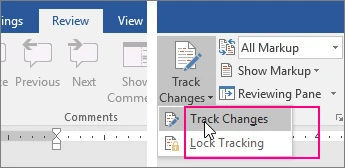
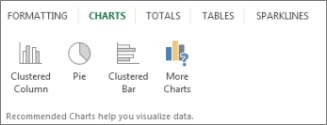
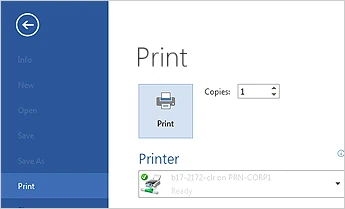
Program screenshots




Microsoft 365 Family / Personal — Choose a 1-Year Plan — Reviews (0)
No product reviews yet.