


Description
VMware Workstation Pro 16 Key — 1 PC Virtual machine software for PCs allows you to run multiple operating systems on a single machine, take snapshots, and allocate resources to each VM
What can VMware Workstation Pro 16 be used for
Before ordering, check the product name, selected edition, device count and delivery email address. If you buy several products, keep each program’s key with its order number to make it easier to find and reinstall later.
This product is a version 16 key for 1 machine. Check Windows and hardware for compatibility with this version before installation. The operating system installed in the VM must have separate licenses. Activate for the first time within 7–15 days.
Licence duration and product terms
Valid indefinitely, no expiration date, not a monthly or yearly subscription 1-year key warranty from the order date. Actual usage period may be 2–5 years, but not guaranteed.
Valid for 1 device, cannot be moved, including changing the motherboard (MB), SSD, or HDD where the system/program is installed. Can be reinstalled only on the original device without changing the mentioned devices. If you want to change the device or equipment, you must purchase a new license.
Delivery
The key or registration link, along with the installation file link and instructions, will be sent via email within 24 hours. No disc or box will be shipped. Please ensure the provided email address is correct and check your spam folder.
After delivery, use the installer that matches the edition and key type in your order. Keep the delivery email and order number. If you have activation problems, send the store a screenshot of the message, hiding the key and personal information first.
Prepare your computer before installation
Check the operating system version and free storage against the installer requirements. Back up your work before changing the system or reinstalling software, and save downloaded files somewhere easy to find for future installation.
See details from VMware manufacturer and also explore Windows 11 Pro OEM for more options.
Program screenshots
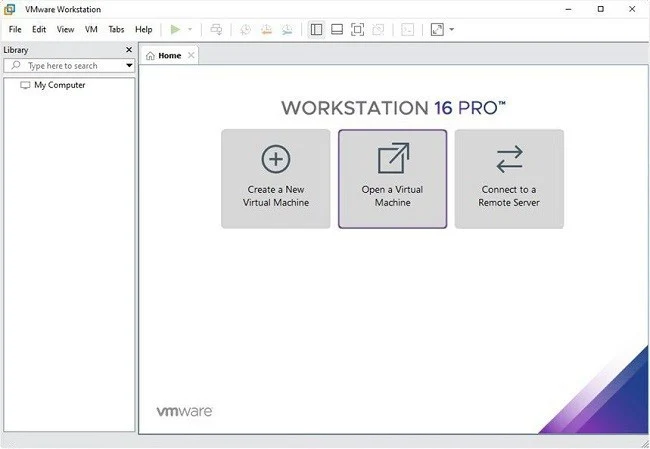
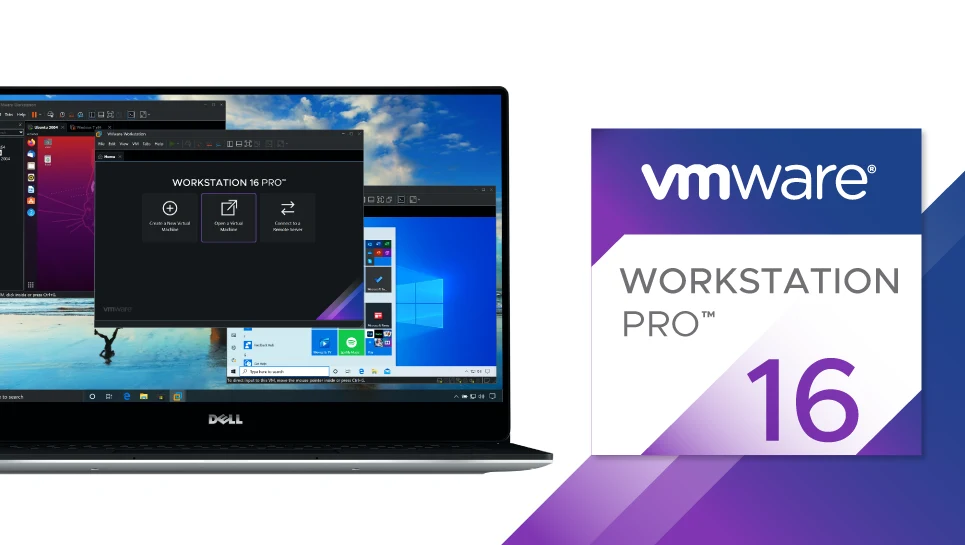






VMware Workstation Pro 16 Key — 1 PC — Reviews (0)
No product reviews yet.