


Description
Windows 10 Pro OEM is a digital key for 1 personal computer. Suitable for those who need to use this version with existing programs or devices and are aware of the support limitations. You should check that the installed system is Pro before purchasing.
Licence duration and key warranty
Non-transferable key with no fixed expiry date; not a monthly or annual subscription. Use may continue after the warranty period if the key and original computer remain usable under the product terms.
The store provides a 1-year key warranty from the order date. Actual use may last 2–5 years, but this is uncertain and is not guaranteed. Transfer and motherboard/SSD replacement restrictions still apply as stated in this listing.
Which devices are Windows 10 Pro OEM compatible with?
Select when using the same PC and do not need to move the license. The product is a Pro key, not Home, and not Windows 11. Installing the key on different system versions may result in activation failure. Do not purchase to activate Windows until you verify the system version. If unsure, ask the store via LINE before purchasing.
Supports both 32-bit and 64-bit Pro installer versions depending on the machine. One key set per machine only. If reinstalling, back up files first and install from Microsoft sources as instructed.
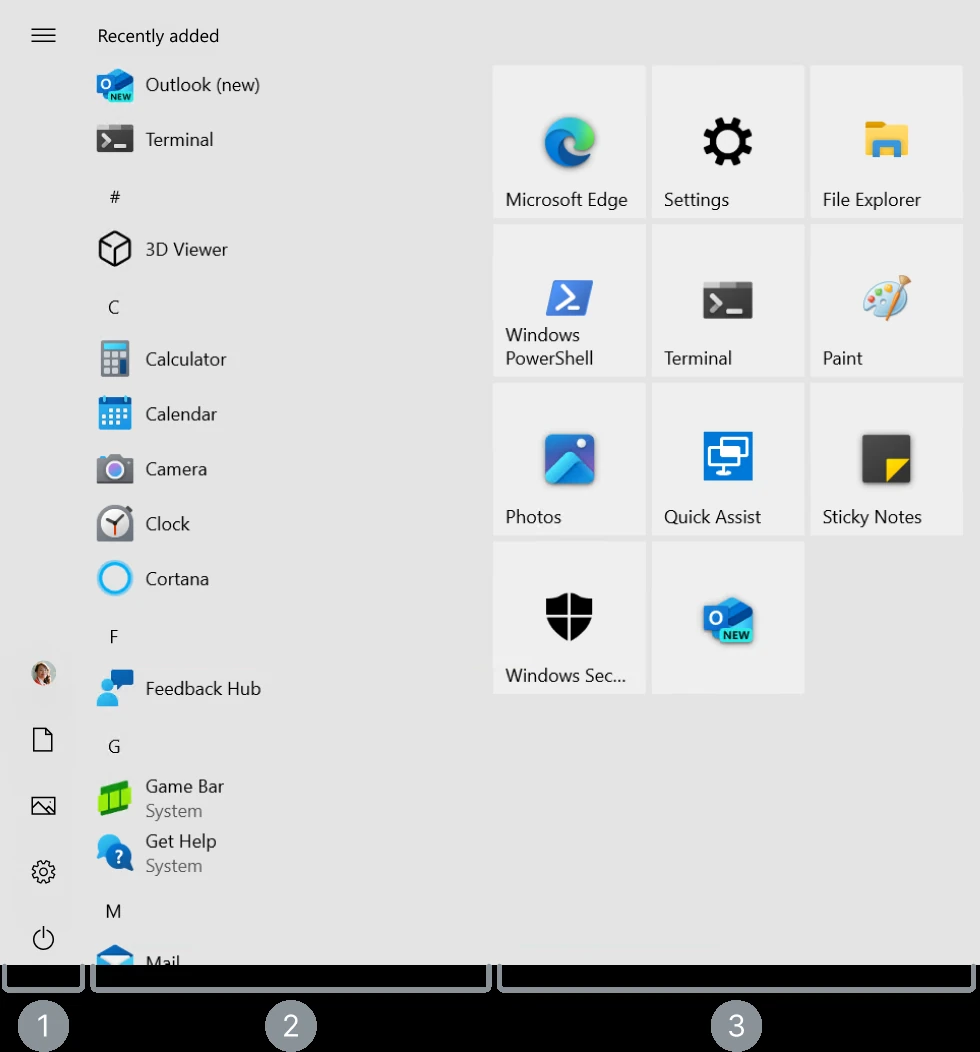
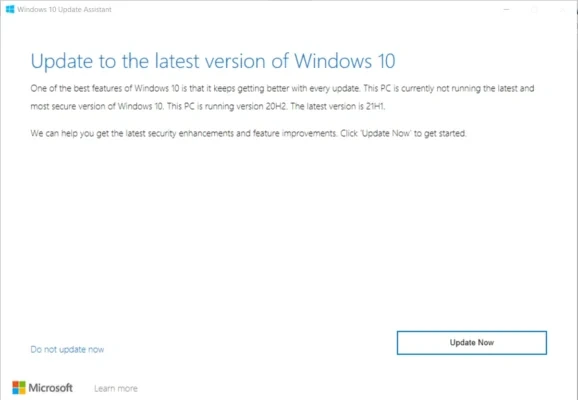
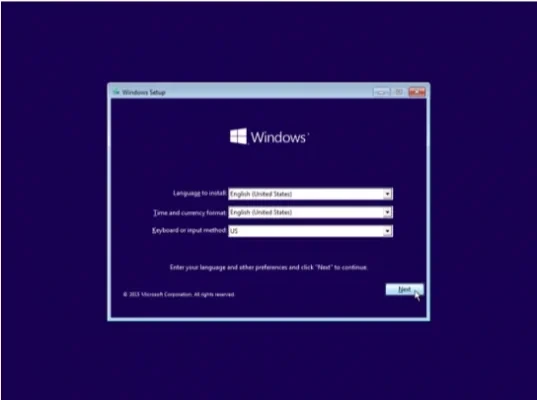
Screenshots of the software in use
Screenshots show the actual software. Its appearance may vary by language, minor version and updates.
OEM Key Restrictions and Reinstallation
Key is tied to the first device activated. Usable on 1 device only. Cannot be moved to another device, including changes to CPU, motherboard (MB), or the SSD where the system is installed. If such components are changed, the original key will no longer be able to be used for activation. Reinstallation is only possible on the original machine that has not had those components changed.
This item is for personal use only Not suitable for commercial use. If you need to use it in a company and require documentation, please contact us to select the appropriate business plan before proceeding.
What is delivered, and how do I install it?
Receive the digital key, a link Microsoft installation files and instructions via email within 24 hours according to the conditions of this product. No disc or box will be shipped. Please enter the correct email address and check your spam folder.
The buyer must install and activate by themselves; therefore, one should have a basic understanding of installing programs and back up important data beforehand. Use files from Microsoft according to the manual. Do not use cracked or modified installation files Keep your purchase email for contact with the store if issues arise
First activation and key care
The store provides a 1-year key warranty from the order date under this listing’s terms. Activate as soon as the email arrives and test before relying on the software. The store’s key warranty is separate from Microsoft’s software-support period.
First activation within 3–7 days and no more than 15 days. If exceeded, the key may be voided. You should prepare the device and activate it immediately upon receiving the key. Confirm the key delivery details with the store before ordering.
If the device is Home or Mac
Case Windows 10 Home Check the edition-change procedure first. Do not enter a Pro key and expect the edition to change on every computer. For a Mac, check the chip type and Windows installation method separately. This page does not guarantee compatibility with every Mac model
How to Maintain Keys and Request Assistance
Store keys as personal information if you have a computer shop install the system First install the correct version, then enter the key manually afterward When there is a problem, send the error message and purchase number to the shop for inspection Do not give the key to the computer shop; enter it yourself instead How to Check Windows Activation Status from Microsoft To check if the system is activated, note that the key warranty with the shop does not mean hardware warranty or perpetual support from Microsoft.
If unsure whether your computer is suitable, send the installed Windows and Office edition names to SV Thailand at [email protected] Before ordering





Windows 10 Pro OEM Digital Key — 1 PC — Reviews (0)
No product reviews yet.