


Description
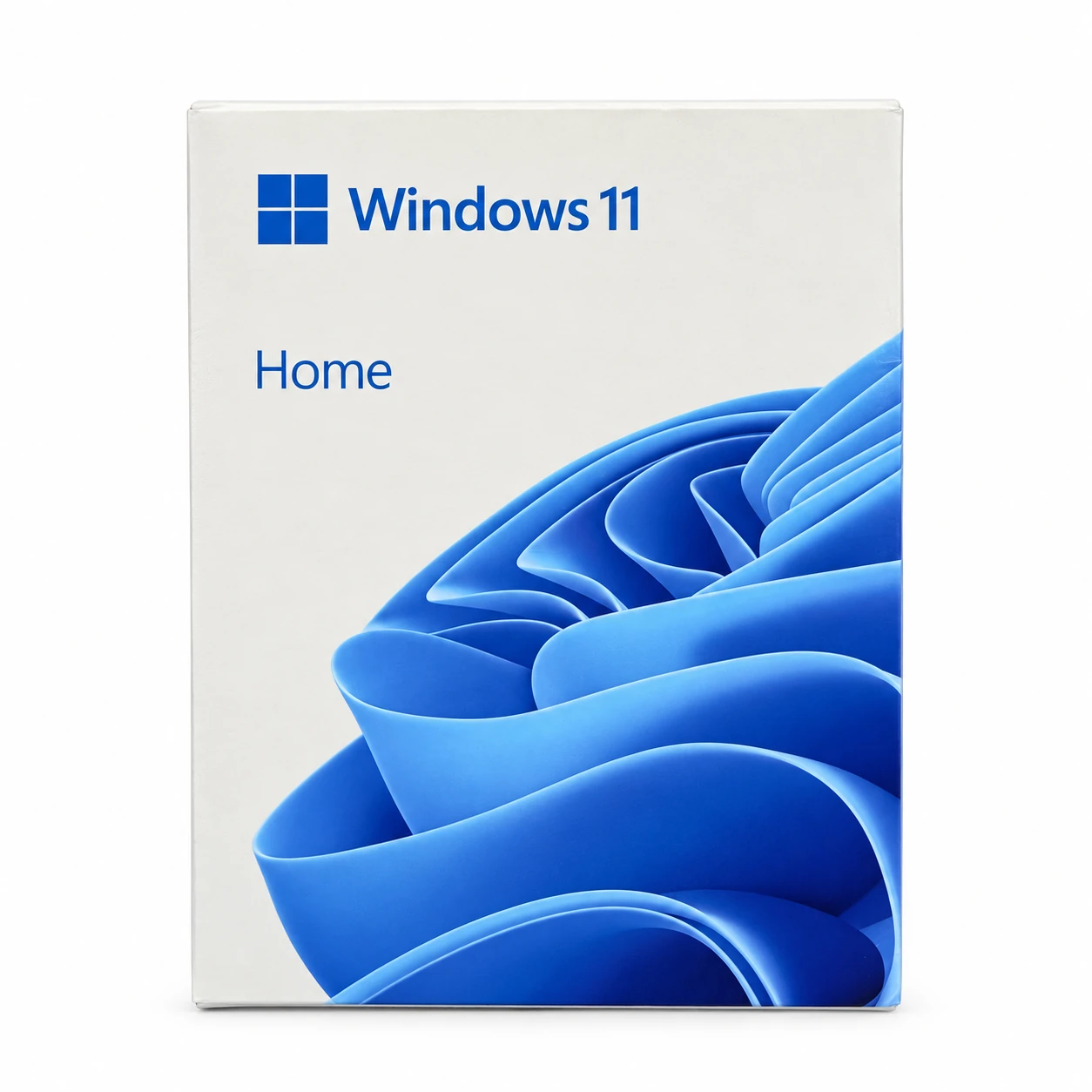
Windows 11 Home OEM digital key, genuine OEM for 1 personal computer. Price: 579 baht. The key is delivered by email within 24 hours; no disc or physical box is shipped.
Check Activation Before Purchase
Before every purchase, open Settings → System → Activation and check that the edition is Windows 11 Home or Home Single Language. Entering this key will change the edition to Home. Do not enter a Home key into Windows Pro. If you want to activate immediately, the installed version must match the purchased key. If unsure, please contact the store via LINE before purchasing.
If you order the wrong version, the store will not replace the key. Please verify the version before payment. This key is not Windows 11 Pro or Home N. If the screen shows a different version or you are unsure, send an Activation screen image for the store to check before purchasing.
Usage Conditions
Valid for 1 Computer Cannot be transferred, including changing the motherboard (MB), SSD, or HDD installed with the system. The system can only be reinstalled on the original machine that has not changed the mentioned devices, according to the conditions of this key.
No monthly or annual subscription. Usage continues according to the key conditions and the original computer. The store guarantees the key for 1 year from the purchase date. The warranty period does not mean the key’s expiration date.
Key Delivery and Activation
Check the email in your order for correctness and check spam after purchase. It is recommended to activate immediately upon receiving the key. First activation must be completed within 7–15 days as specified in the delivery email.
When verified as Windows 11 Home go to Settings → System → Activation → Change product key Then enter the received key, connect to the internet, and follow the on-screen instructions. If an error occurs, send a screenshot of the message to the store for inspection after hiding the key. Alternatively, if Windows has been installed for a long time or was installed from a pirated source, you should clean the system and reinstall first.
Read How to activate Windows from Microsoft Or view Windows 11 Pro OEM If your device is installed with Pro
Minimum computer specifications for Windows 11 Home
Check your device compatibility before purchasing the key. The device must pass Windows 11 requirements and the installed version must match the key.
- CPU: 64-bit processor or compatible SoC with a minimum speed of 1 GHz, at least 2 cores, and must be a version supported by Microsoft. Not just the speed but also the number of cores.
- RAM: At least 4 GB
- Storage: Storage device with a minimum capacity of 64 GB and sufficient free space for installation and updates.
- Firmware: UEFI that supports Secure Boot
- Security chip: TPM version 2.0
- Graphics card: Supports DirectX 12 or higher, with WDDM 2.0 drivers
- Display: Minimum resolution of 720p, diagonal screen size greater than 9 inches, and 8-bit color per channel
- Internet and account: Windows 11 Home must connect to the internet and use a Microsoft account to set up the device for the first time
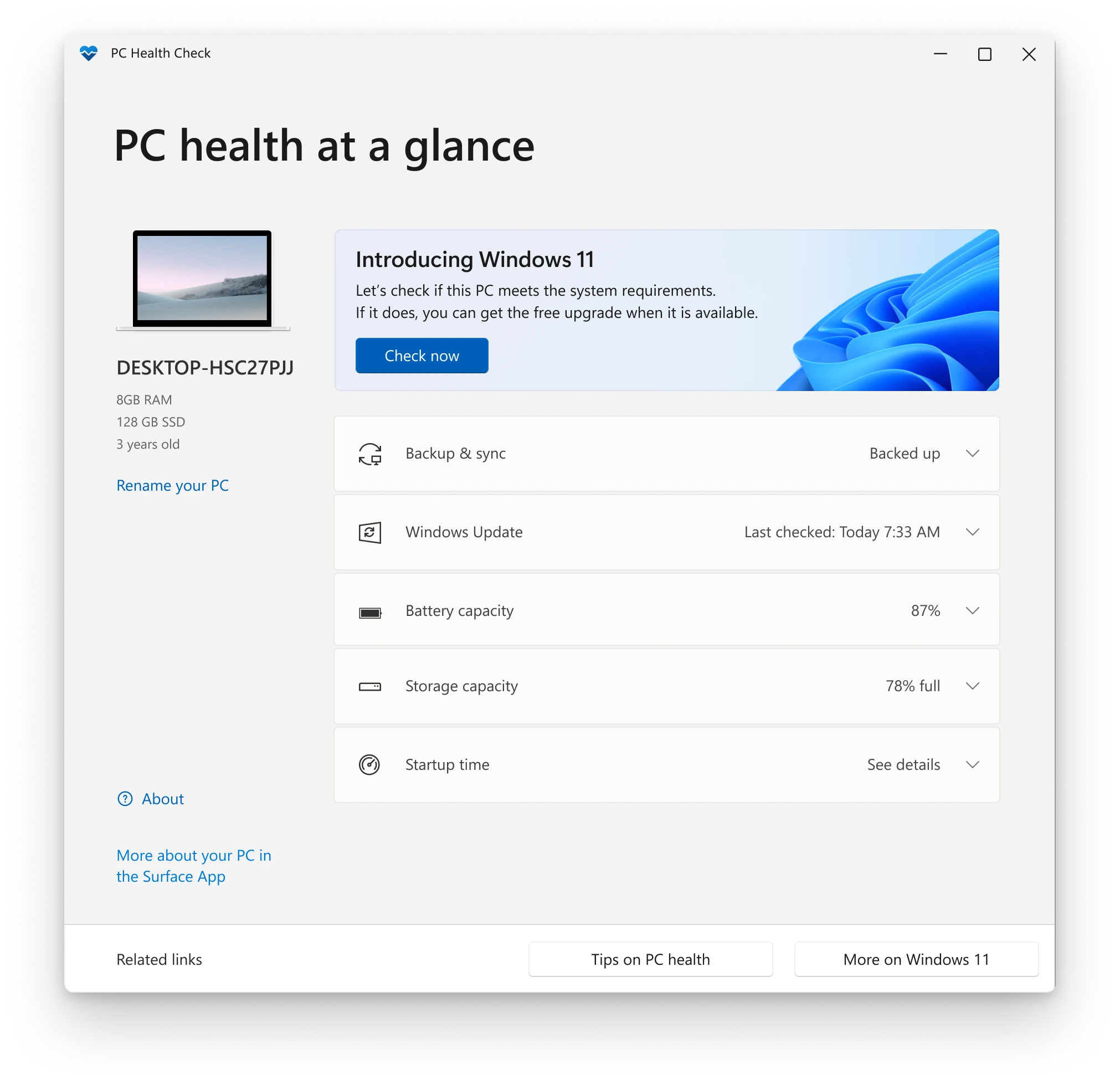
Recommended Microsoft PC Health Check Check your device before purchasing. This program does not check the graphics card and display, so you should also check these two components. The specifications above are the minimum system requirements. Programs or games that use the system may require higher specifications. Purchasing a key does not guarantee that a device that does not meet the requirements will be supported by Windows 11
References Windows 11 specifications from Microsoft
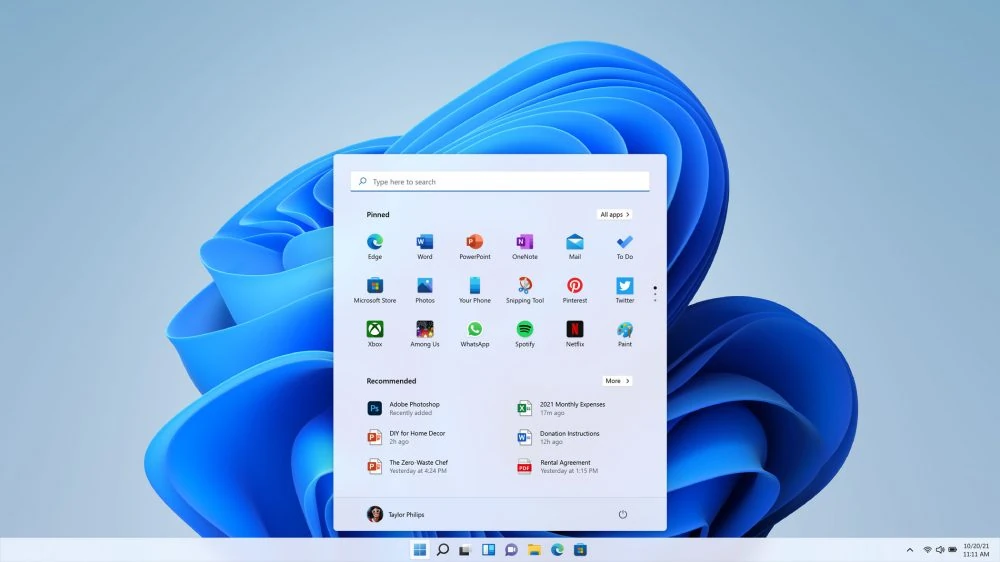
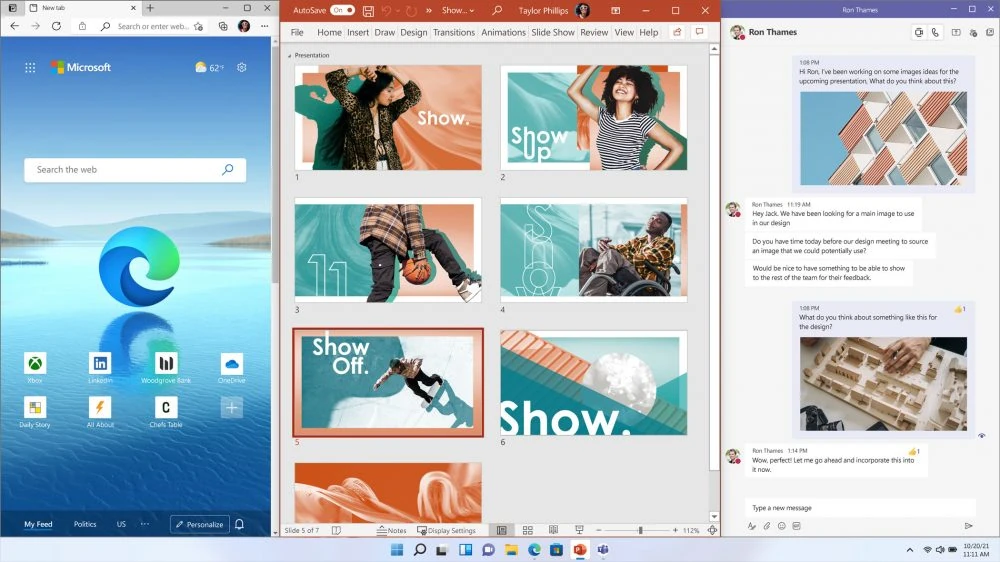
Windows 11 usage preview images
Screenshots from Microsoft for reference. Appearance may vary depending on the version and settings. Other programs shown in the images are not included with this Windows key


Windows 11 Home OEM Digital Key — 1 PC — Reviews (0)
No product reviews yet.